 Streakie
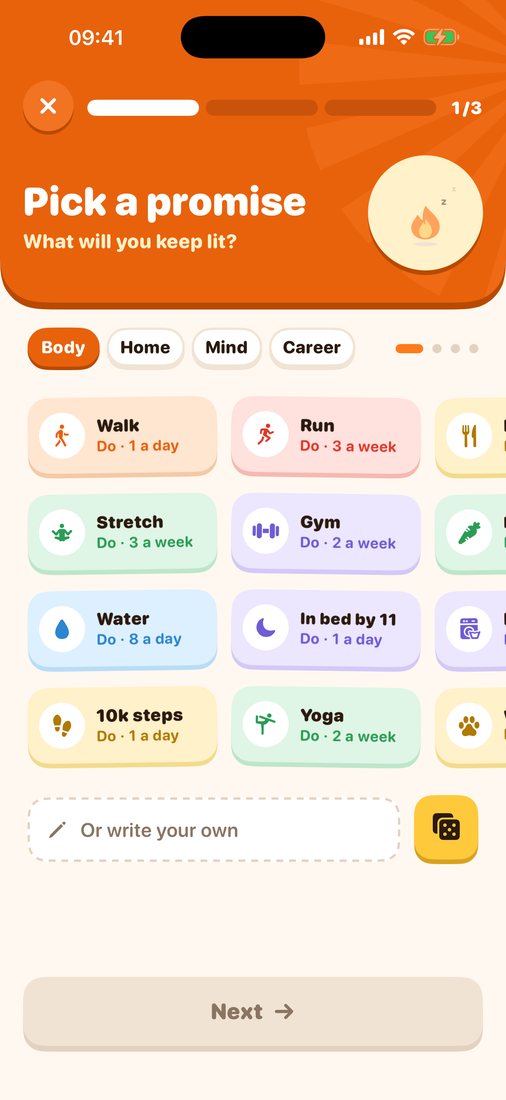
Pick a promise
Streakie gives every habit a little flame. Check in once a day, keep your streaks going, and watch your days turn into a journey along a river. Now with friends: challenge someone to keep a goal longest, or do it together.
How it works
Features
Pick any goal, with any setting, and send a link. You both start at 0 on the day your friend joins, and their flame stands on your river so you always see who's ahead.
Syncs through iCloud. Still no Streakie account.
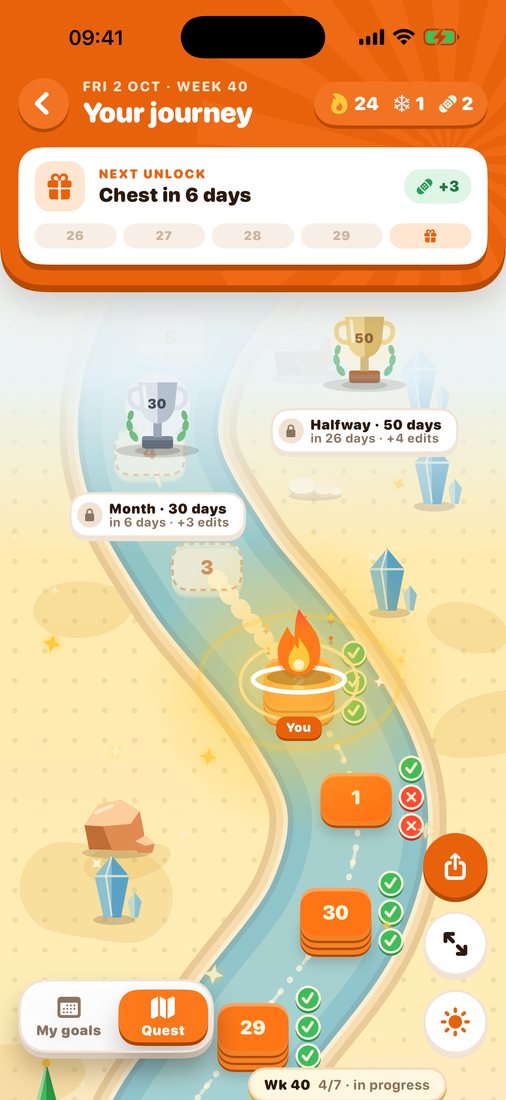
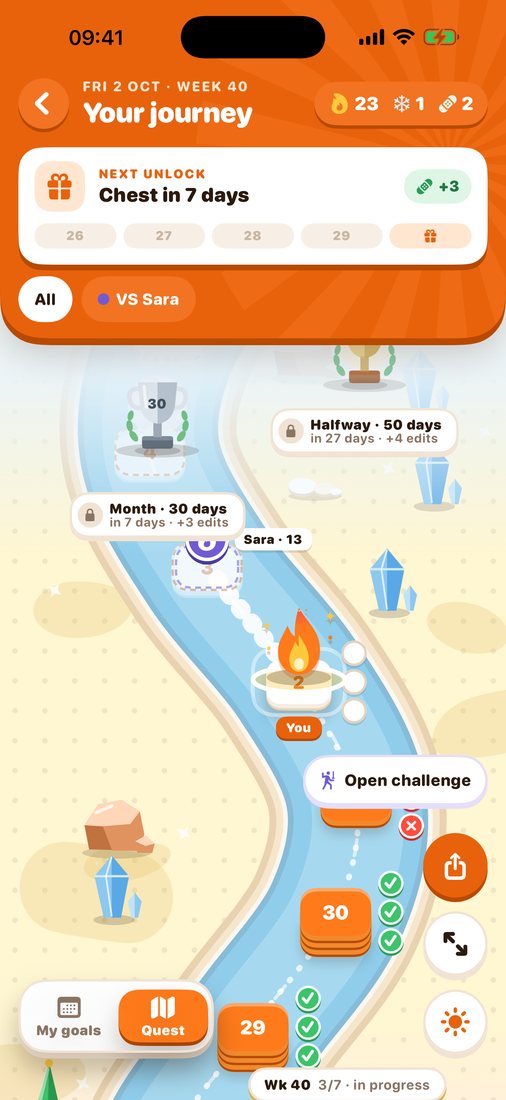
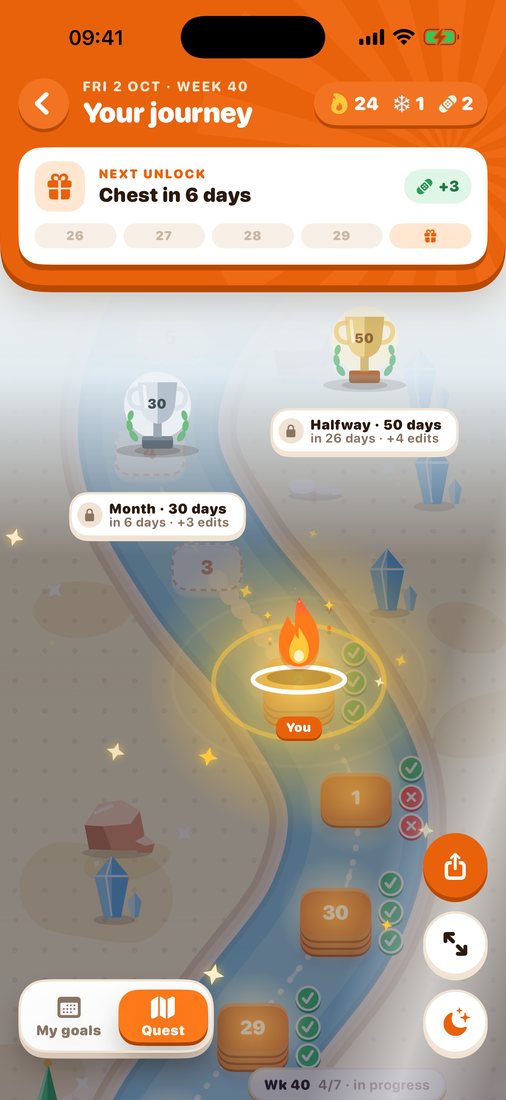
A winding river with a mark for each goal you completed. Your flame stands on today and jumps when you check in.
Prefer a simple list? Turn Quest off in Settings.
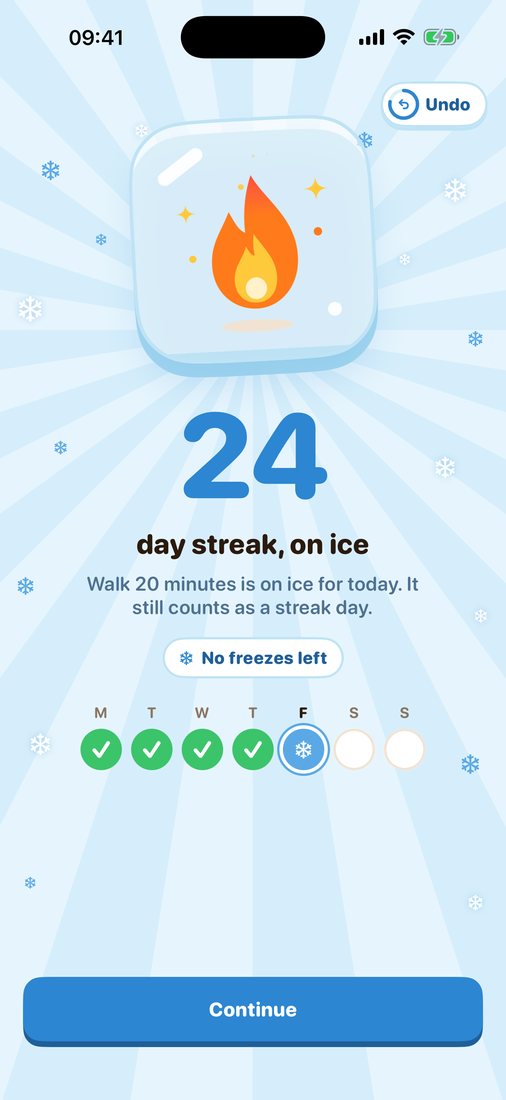
Freeze a goal for today and it still counts as a streak day. Vacation, a sick day or a break? Pause it and your streak waits for you.
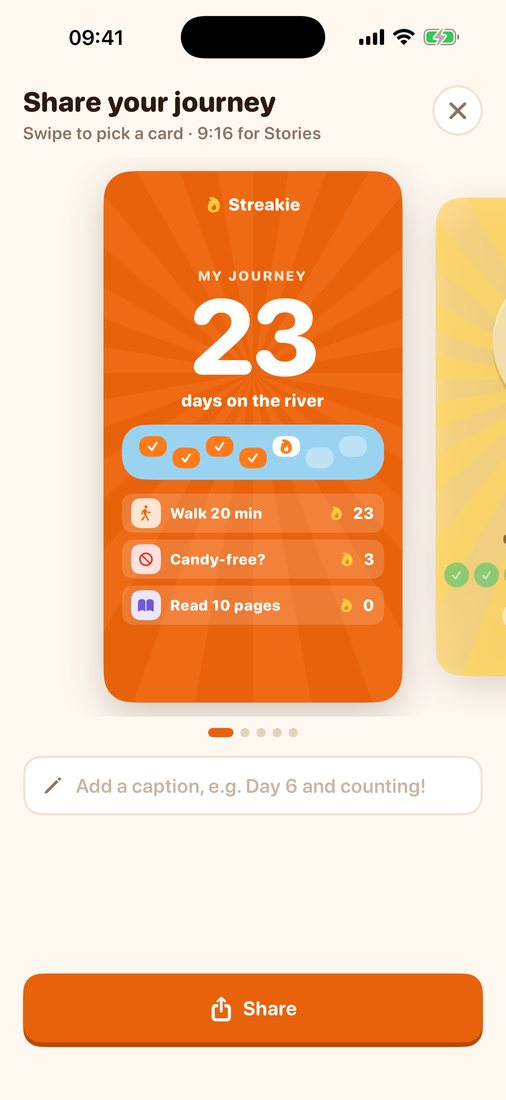
Story-sized cards for your journey or a goal: your streak, your days since you started, or how close the next trophy is.
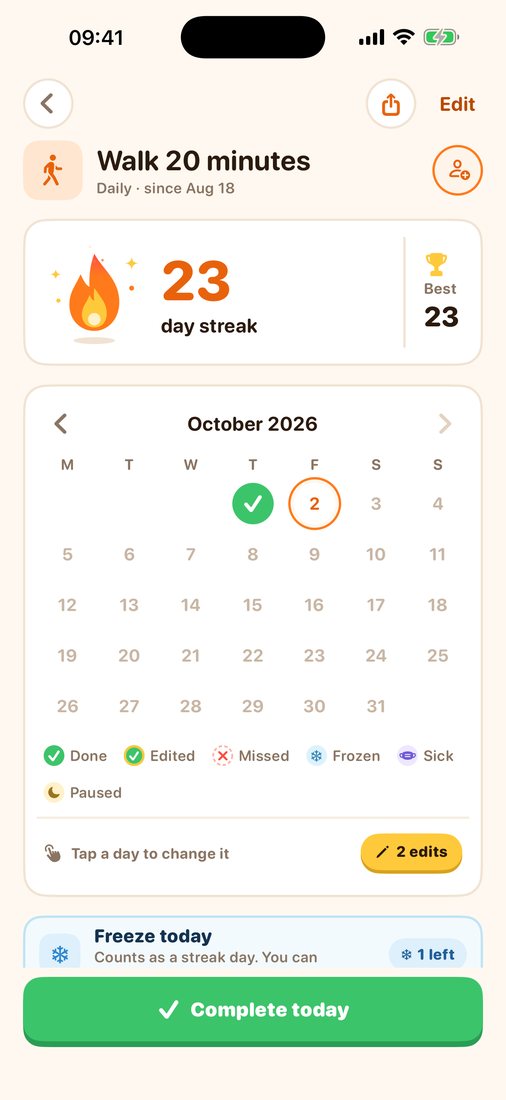
Each goal has a calendar with done, missed, frozen, sick and paused days, plus your current and best streak.
No account, no ads, no tracking. Everything you enter is stored on your iPhone. Goals you share with friends sync through your own iCloud, and friends only see that goal, your first name and your check-ins. Only anonymous usage statistics are sent, and you can switch them off.
Read the privacy policy →Why it works
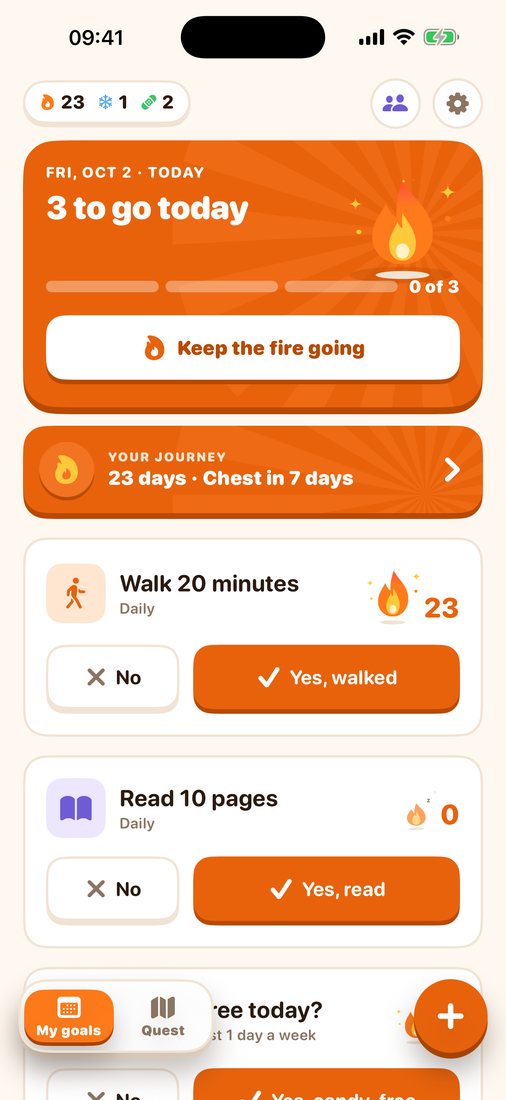
One tap in the app, the widget, or straight from the evening reminder. Mark everything done at once.
Do-goals like reading, avoid-goals like no candy, and goals like "gym 3 times a week".
Vacation, sick day or a break? Pause a goal and your streak waits for you.
Every goal has a calendar. Past days are locked, but edits you earn let you fix one.
Goals for every part of life
Walk, read, drink water, bring a lunchbox, meditate, deep work, no alcohol, in bed by 11 … up to 9 goals at a time.
See it in action
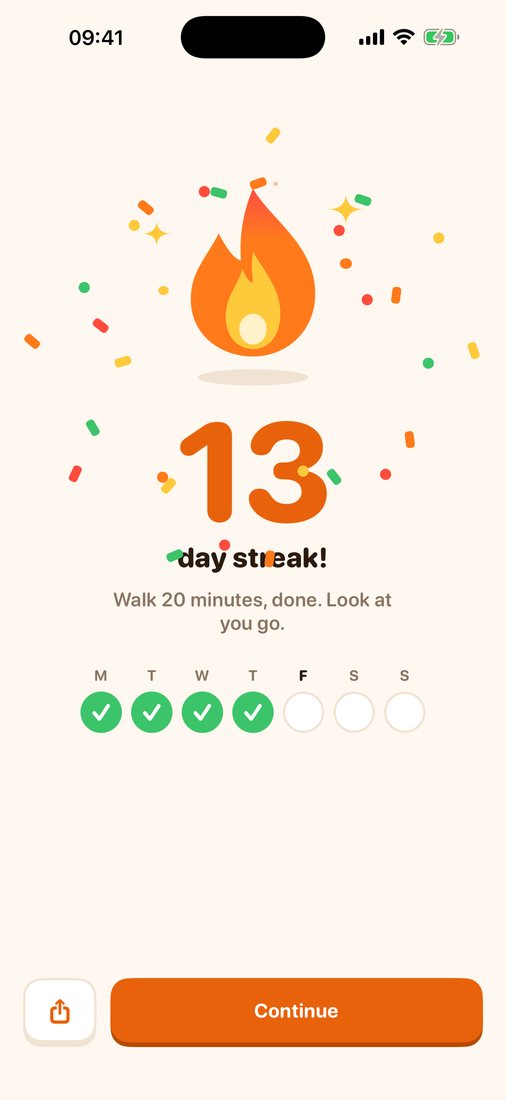
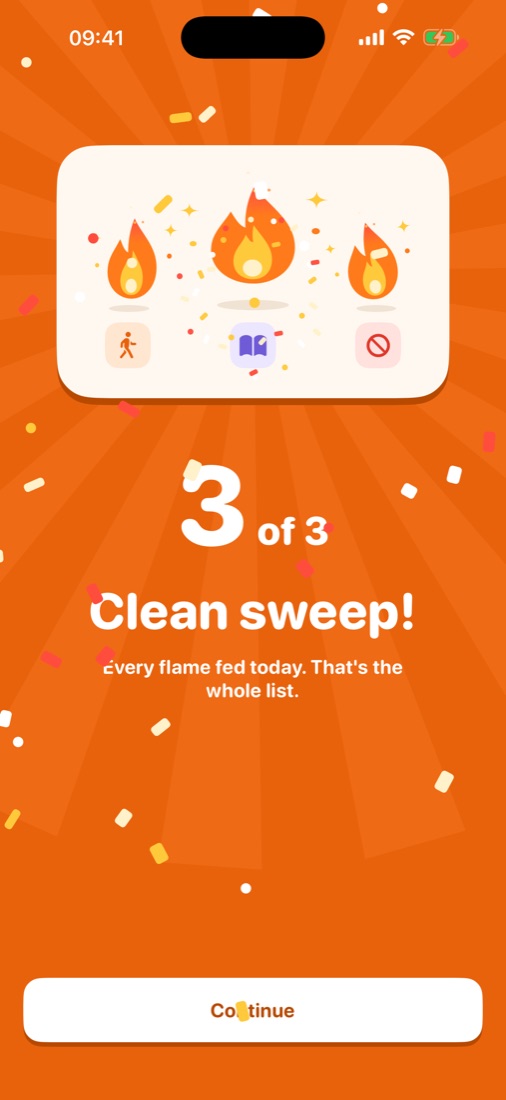
From your first flame to a clean sweep, and your streak on the Quest map.
FAQ
Yes! Streaky is now Streakie. Same app, same flames, and your streaks carry over. Nothing to do on your side.
Yes. Streakie is free to download and use, with no ads and no account.
Long-press your Home Screen, tap Edit → Add Widget, search for Streakie and add the small or medium widget. Tap a circle in the widget to check in.
Streakie sends one evening check-in that lists everything still open, with a Mark all done button in the notification. Goals you only know the next day, like bedtime, get a morning check-in instead. Change the times in Settings → Notifications.
Open Streakie and use the Log yesterday? card at the top. For older days, open the goal, tap the day in its calendar and spend an edit.
Open a goal and tap the friends button, or tap Start a challenge on My goals. Choose Challenge (longest streak wins) or Together (count it as a team), then send the link. Day 1 is the day your friend joins, and you both start at 0. Your friend gets the same goal with the same setting.
No Streakie account, but both of you need Streakie on an iPhone signed in to iCloud. Shared goals sync through iCloud, and friends only see that goal, your first name and your check-ins.
You see who won, then choose: keep going together with no end date, place the medal on your journey, or start a rematch. Whatever you pick, your goal and its streak carry on.
A second view that shows your streak as a path of days along a river. Milestones give you edits and streak freezes. You can turn it off in Settings → Quest.
Long-press a goal, or open it and tap Pause this goal. Choose vacation, sick or a break and how long it lasts; the pause ends by itself. Paused days never break a streak.
Yes. Your data lives only on your device, so deleting the app deletes your habits too.
Questions, bugs or ideas? Email hello@theproductpeople.se and we'll get back to you.